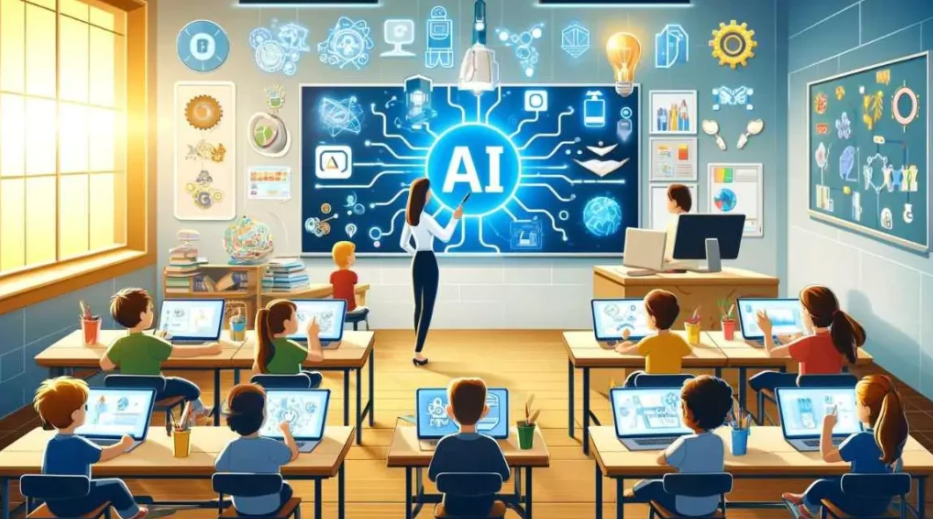
Course creators, teachers, corporate trainers, and educational institutions are producing higher volumes of video content than ever — without proportionally larger production budgets. Video improves learning outcomes across most subject areas, particularly for complex concepts that benefit from visual explanation. The problem has always been production capacity: recording, editing, and publishing high-quality educational video takes 3-5 hours of production time for every finished hour of content.
Types of educational video AI can generate
- Concept explainer B-roll: Visual illustrations of abstract concepts — how a cell divides, how a supply chain works — generated from text prompts to accompany narration.
- Process visualization: Step-by-step visual demonstrations of processes that are too dangerous, too small, or too expensive to film in real life.
- Historical and contextual imagery: Visual representations of historical events or scenarios that cannot be filmed.
- Avatar-presented lectures: AI presenter videos for course content where the instructor does not want to be on camera or needs content in multiple languages.
Best AI video tools for educational content
Synthesia — best for avatar-presented courses
Synthesia makes avatar-presented video production faster and more accessible than any other tool. Slide import from PowerPoint, script input, avatar selection, and automatic video generation produces a professional-looking presenter video from existing course materials with minimal technical skill required.
- From $18/month
- PowerPoint integration
- Best for: corporate L&D, compliance training, onboarding
Runway Gen-3 — best for complex concept visualization
Runway’s motion brush and detailed prompt control make it the strongest tool for generating visualizations of complex or abstract concepts that require precise control over what moves and how.
Building an AI-enhanced course production workflow
- Outline your content: Define learning objectives and which concepts benefit most from visual illustration.
- Script your content: Write the full script before touching any video tool. AI video is a visualization layer over content.
- Identify visual opportunities: Mark moments in your script where B-roll or concept visualization would enhance the explanation.
- Generate visual content: Produce the AI video clips and images for each marked section.
- Assemble in a video editor: Combine AI visuals, slides, narration, and music in DaVinci Resolve or CapCut.
If your stack does not yet include the AI video generator educators are using in 2026 your competitors are using, it is worth dedicating a week to testing the leading options before your next campaign.
See also: Why Early Impressions Of An AI Video Generator Can Be Misleading
FAQs
Can students tell when course video content is AI-generated?
Increasingly yes, though the quality gap is narrowing rapidly. Transparency with learners about AI use in course production is generally recommended.
Is AI educational video appropriate for K-12 use?
Yes, with appropriate content filtering. AI-generated concept visualizations should be reviewed for factual correctness before use with students.
How do I generate accurate scientific or technical visualizations?
AI-generated visuals should be validated against authoritative sources before use. Accuracy requires careful prompt engineering and human expert review.